

A2P (Application-to-Person) is a body that brings together all US carriers to form a centralized repository where businesses that want to send text messages must register. The A2P 10DLC prevents clients from receiving spam and unwanted messages.
A2P (Application-to-Person): refers to the system by which an application sends messages directly to your audience. 10DLC (Ten-Digit Long Code): It refers to the 10-digit numbers that we traditionally associate with a business phone line in the US.
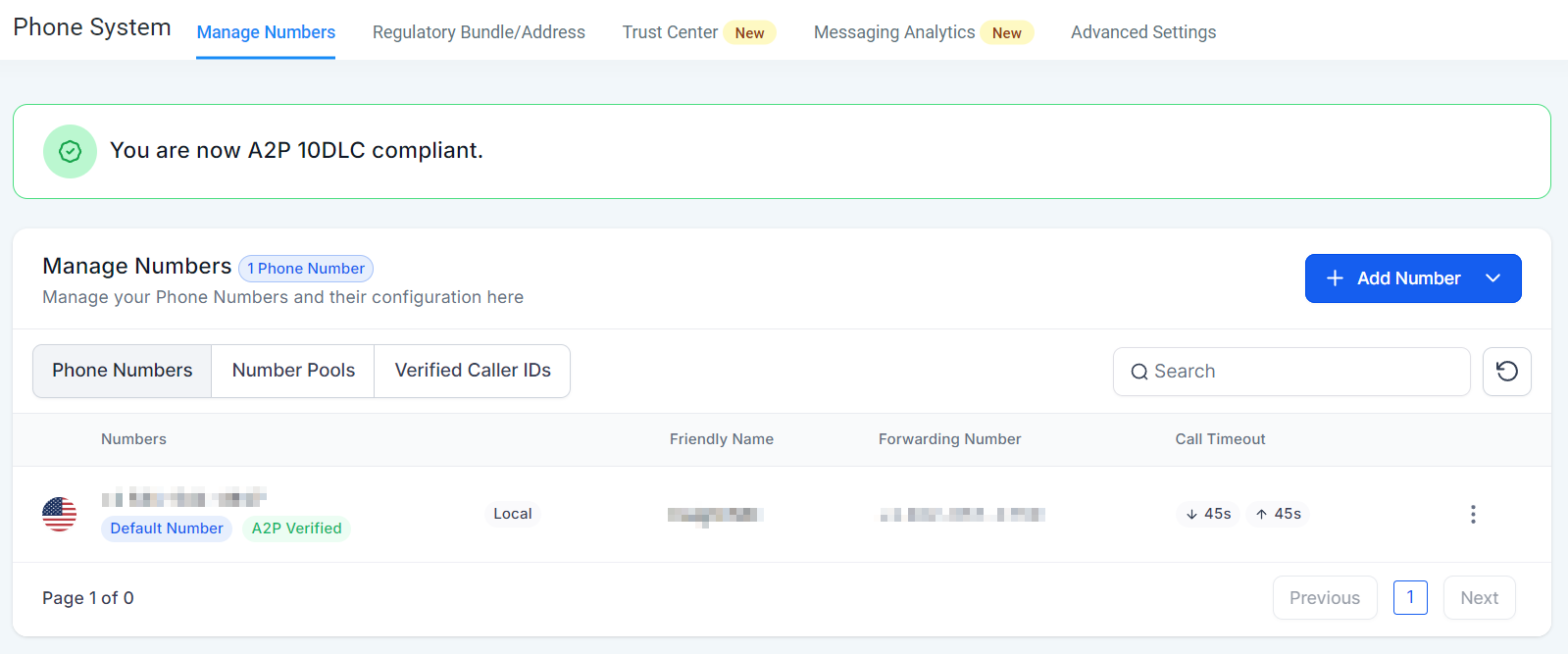
Why Submit Your A2P Registration?
When a call is made, the caller's identity is verified through a Protocol/certificate called SHAKEN/STIR, which is then stored in an online database. This set of protocols is designed to authenticate caller ID information and verify that it comes from a legitimate source. This ensures that when someone receives a call, they can trust that it is coming from who they think it is.
Without A2P, you will see:
Delivery failure
Blocked messages
Reduced deliverability rates
Using A2P 10DLC numbers:
Reduces messages being flagged as spam
Ensures SMS marketing efforts remain efficient and effective
Establish a more trustworthy and reliable communication
Channel with customers
Compliant with regulations
Client’s Rights
Before contacting your clients, they must agree to receive texts/calls for you to be compliant with A2P Regulations. This way, you are compliant with the law, run less risk of getting blacklisted or marked as spam, and increase the trust in your business. The two main elements in maintaining that compliance will be Terms and Conditions (T&C) and SMS Compliance.
Terms and Conditions (T&C)
This element allows users to include consent; it has been incorporated into the form builder, enabling users to opt in to the collection of phone information. When the phone element is moved within the form, the T&C element will be automatically added, but users can also add it separately if needed. Users can add, modify, or remove the T&C element as required, tailoring it to their needs.


Opt-out Message and Sender Information
Enabling the “Make SMS Compliant” option in the Advanced Settings section of the Phone System allows you to add an opt-out option and sender information, providing your clients with clear notice of who's sending the message and how to unsubscribe from your list.

Following these steps will help you improve your response rate, make customers feel secure, and help you achieve the most with your phone system.
30/7/25 Ext