

Seamlessly edit your email snippets using the rich text editor before sending out emails. This editor provides a comprehensive range of formatting options, including bold, italic, underline, bullet lists, and more. By customizing email templates with these advanced features, you can ensure each communication is tailored to specific needs, thereby enhancing the effectiveness of your email management.
How It Works
Open the Mobile App
Start by opening the mobile app.
Navigate to Conversations
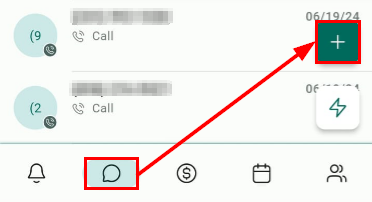
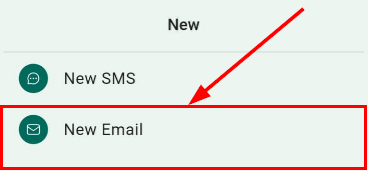
Head over to the conversations section and initiate a new email conversation.
Choose an Email Snippet
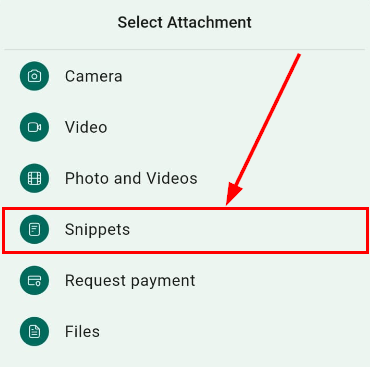
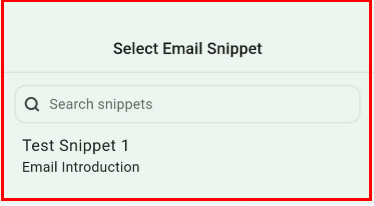
Select your preferred email snippet from the available options.

Edit with Rich Text Editor
Once you have chosen your email snippet, use the rich text editor to customize the content to suit your needs.

Send the Email
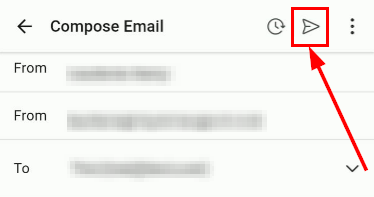
After editing, send the email to your chosen contact(s).
With the introduction of email template editing, managing and personalizing email communications has never been easier. Update your mobile app to the latest version today and take advantage of this powerful new feature to enhance your email marketing efforts.
📌 Note: This feature is available on iOS and Android devices running version 3.74 or later.
20/10/24 Ext