

Certificates are one of the most important parts of courses, and there are plenty of ways to deliver them; one is by automating the sending process with workflows. Using workflows, you can seamlessly issue certificates when tasks are completed or products are finalized.
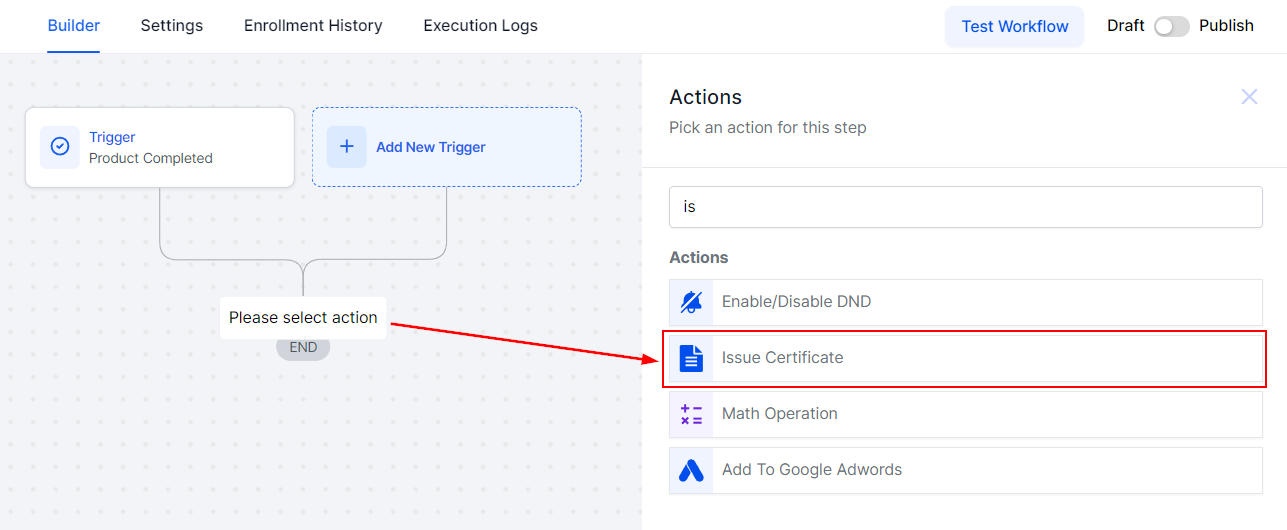
To begin, click on the “+” icon in your workflow builder. From there, search and select the Issue Certificate Action.
Once selected you will be prompted to choose from your Certificate Templates for the one you will be sending out. Remember that if the contact who triggered the workflow doesn't have fields used by the template a blank space will replace them.

Save the action after selecting the template and you are done! Now you can send certificates left and right without lifting a finger.

With just a few clicks, you can set up a system that sends certificates without manual intervention, making the process efficient and hassle-free, and allowing you to recognize learners' achievements effortlessly.
20/12/24 Ext